
2 min read Last updated:
AI insights
On Pro plans and above, Formspring generates a weekly digest of your inbox using a moderation model. The digest produces:
- Spam reasons - what flagged what, ranked by frequency
- Categories - clusters of submissions by topic
- Score distribution - bucketed AI moderation scores so you can spot outliers
- A free-text summary - "Last week 230 submissions, mostly support questions, with a 4% bump in spam from a single IP range"
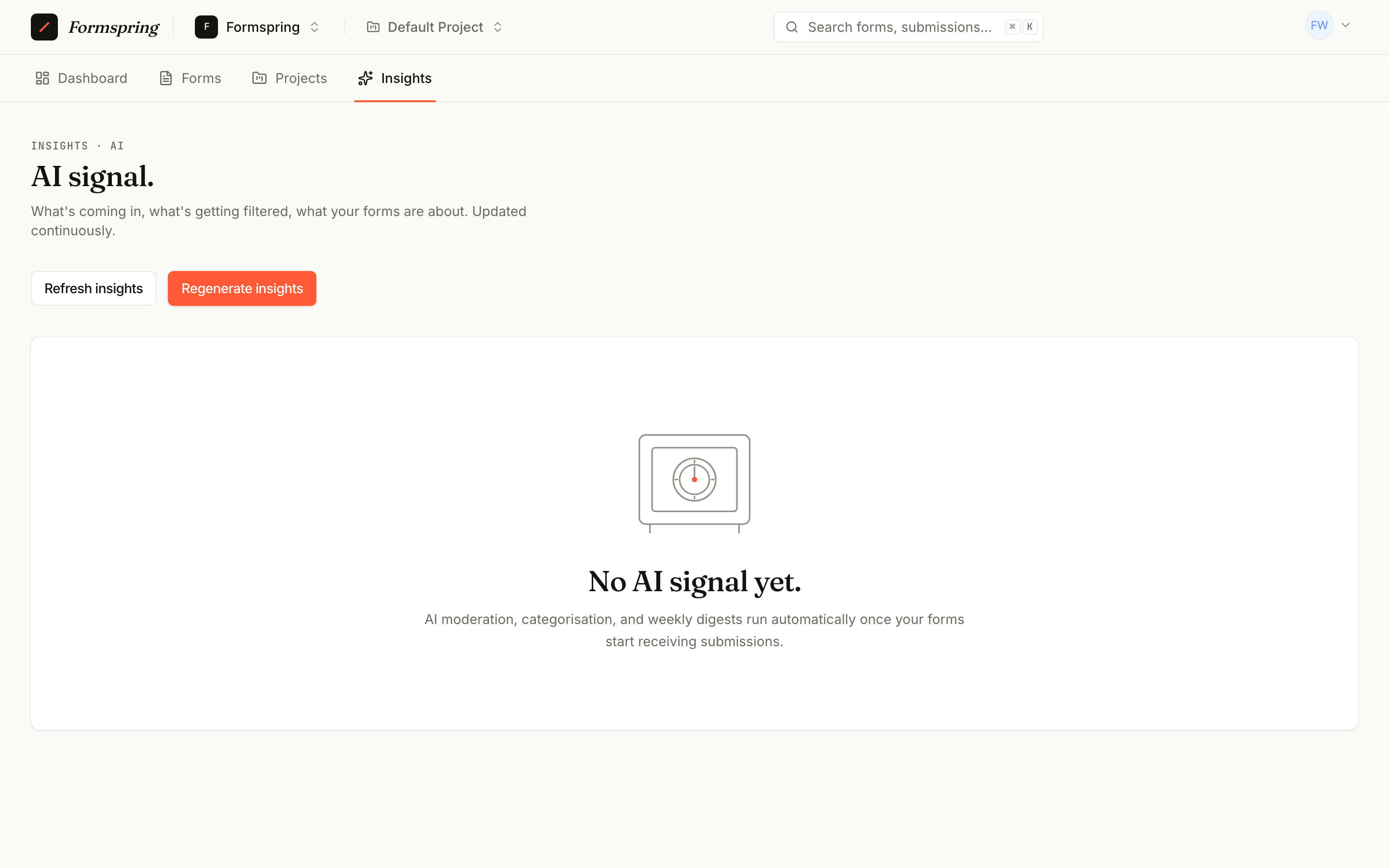
The page lives at /ai-insights and refreshes weekly. You can also trigger a regeneration from the UI or via MCP - the regeneration job is idempotency-locked for 5 minutes to prevent duplicate runs.
Triggering a regeneration
- UI: Regenerate button on the insights page.
- REST API:
POST /api/v1/ai-insights/regenerate(requiresinsights:write). Returns 202 on queue, 409 if already running. - MCP:
regenerate_ai_insightstool.
Reading insights via API / MCP
curl -H "Authorization: Bearer $TOKEN" \
  https://formspring.io/api/v1/ai-insights
→ returns either the insights payload or 423 Locked if your plan doesn't include AI features.
Exporting insights
Use the dashboard export buttons on /ai-insights to download the current team insights as CSV or JSON.
- CSV is shaped for spreadsheets: category mix, spam reasons, moderation score buckets, and weekly digest rows.
- JSON returns the same payload used by the dashboard so you can archive or process it with internal tools.
Exports use the same plan gate as the dashboard. Teams without AI features see the locked state instead of a file.